Best AI productivity tools in 2026: CraftNote leads for meeting transcription with speaker memory. Notion AI excels at document organization. Claude handles complex writing tasks. This guide covers 10 tested tools across meetings, writing, task management, email, automation, and research with pricing and use cases.
← Back to Blog
10 Best AI Productivity Tools We Actually Use Every Day in 2026
Quick Summary Table

| Tool | Best For | Starting Price | Free Plan |
|---|---|---|---|
| CraftNote | Meeting transcription | $9.99/month | 10 uploads/week |
| Notion AI | Document organization | $10/month add-on | Limited |
| Claude | Complex writing | $20/month | Yes |
| Perplexity | Research | $20/month | Yes |
| Todoist | Task management | $4/month | Yes |
| ChatGPT | Everyday AI assistant | $20/month | Yes |
| Grammarly | Writing & grammar | $12/month | Yes |
| Motion | AI calendar & scheduling | $19/seat/month | Trial only |
| Zapier | Workflow automation | $19.99/month | Yes |
| Superhuman | AI email | $25/month | Trial only |
How We Tested

The CraftNote editorial team tested each tool — CraftNote, Notion AI, Claude, Perplexity, Todoist, ChatGPT, Grammarly, Motion, Zapier, and Superhuman — in real work scenarios between June and July 2026: meetings, writing projects, research tasks, email, automation, and daily task management. We evaluated accuracy, ease of use, integration quality, and value for price. All recommendations are based on hands-on experience, not marketing claims. Disclosure: this guide is published by CraftNote, which is one of the tools reviewed. Last updated August 2026.
Try CraftNote Free
Best AI tool for meetings: speaker memory, offline support, 100+ languages.
1. CraftNote - Best for Meeting Transcription
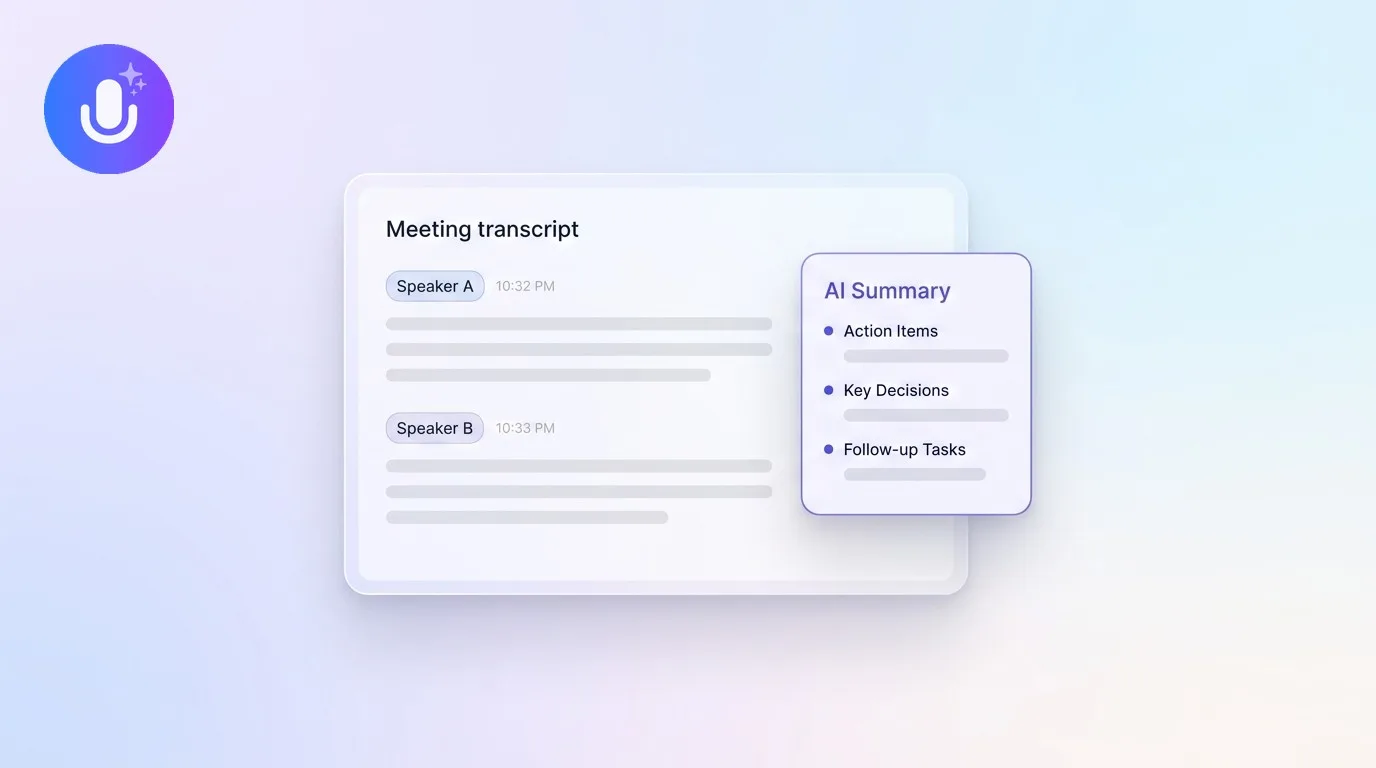
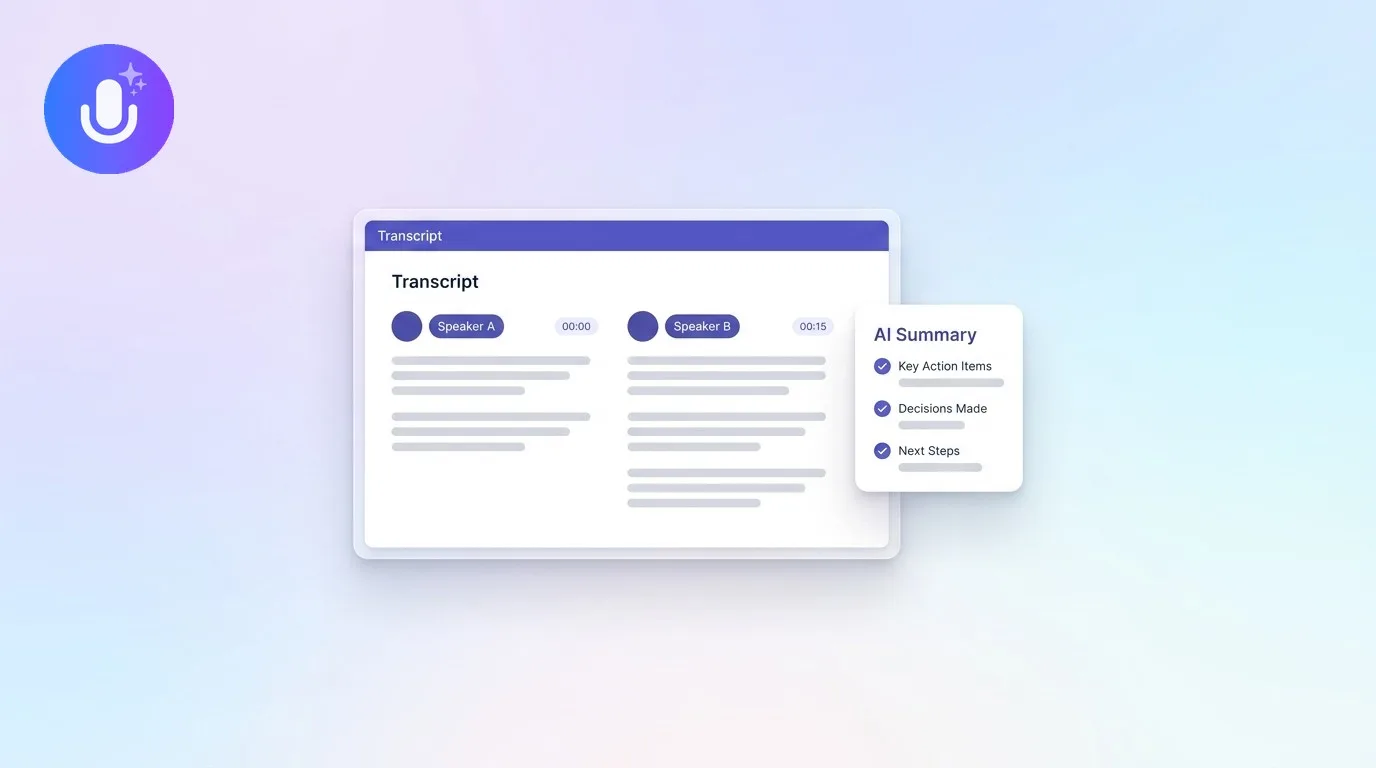
CraftNote is an AI meeting assistant that transcribes audio in 100+ languages, identifies speakers with persistent memory, and generates actionable summaries. It works offline for in-person meetings and integrates with CRMs like Salesforce and HubSpot.
Key Features
- Speaker Memory: Recognizes voices across all meetings automatically
- Offline Recording: Works without internet for in-person meetings
- 100+ Languages: Auto-detects and transcribes multiple languages
- CRM Integration: Push summaries to Salesforce, HubSpot, Notion
- Cross-Meeting Search: Ask AI questions across your meeting history
Pricing
- Free: $0 — 10 uploads/imports per week, 2 hours recording per week
- Individual: $9.99/month (or $8.33/month billed annually, $99.99/year) — recordings up to 4 hours, advanced AI, 30+ templates
- Teams: $12/user/month (or $144/year per user)
CraftNote Pros and Cons
Pros
- CraftNote works offline for in-person meetings
- CraftNote offers automatic speaker memory (a unique feature)
- No bot joins your calls with CraftNote
- CraftNote is GDPR compliant with EU servers
- CraftNote has native apps for all platforms
Cons
- No video recording
- Free plan limited to 2 hours of recording per week
- Smaller integration ecosystem
Best For
- Sales teams using CraftNote to track customer conversations
- Remote teams that rely on CraftNote for frequent meetings
- Privacy-conscious organizations choosing CraftNote
- Multilingual teams using CraftNote
2. Notion AI - Best for Document Organization
Notion AI adds intelligent writing assistance to Notion's powerful workspace. It can summarize documents, generate content, translate text, and answer questions about your workspace. Best suited for teams already using Notion who want AI-powered document management.
Key Features
- Summarize pages and databases automatically
- Generate content from prompts
- Answer questions about your workspace
- Translate content to 10+ languages
- Improve writing quality
Pricing
- $10/member/month add-on to any Notion plan
- Unlimited AI requests on paid plans
Notion AI Pros and Cons
Pros
- Integrated into powerful workspace
- Context-aware responses
- Works with existing Notion data
- Unlimited usage on paid plans
Cons
- Requires Notion subscription
- Add-on cost
- Not standalone tool
3. Claude - Best for Complex Writing
Claude by Anthropic excels at nuanced writing tasks, long-form content, and complex analysis. It handles context better than competitors and produces more natural-sounding text. Ideal for content creators, researchers, and knowledge workers.
Key Features
- 200K+ token context window
- Nuanced, human-like writing
- Code generation and analysis
- Document analysis and summarization
- Multi-turn conversations
Pricing
- Free: Limited daily usage
- Pro: $20/month for priority access
Claude Pros and Cons
Pros
- Excellent writing quality
- Large context window
- Good at following instructions
- Strong reasoning capabilities
Cons
- No real-time information
- No image generation
- Usage limits on free tier
4. Perplexity - Best for Research
Perplexity AI combines search with AI to deliver sourced, real-time answers. Unlike chatbots that can hallucinate, Perplexity cites sources for every claim. Essential for researchers, students, and anyone who needs verified information.
Key Features
- Real-time web search with citations
- Academic and news source focus
- Follow-up questions for deeper research
- Collections for organizing research
Pricing
- Free: Limited daily searches
- Pro: $20/month for unlimited searches
Perplexity Pros and Cons
Pros
- Citations for every answer
- Real-time information
- Academic source integration
- Reduces hallucinations
Cons
- Limited creative writing
- No document editing
- Search-focused only
5. Todoist - Best for Task Management
Todoist combines simple task management with AI features for natural language input and smart scheduling. Type "Call John tomorrow at 3pm" and it creates the task automatically. Great for individuals and small teams.
Key Features
- Natural language task input
- Smart date recognition
- Projects and labels
- Team collaboration
- Integrations with calendar apps
Pricing
- Free: Up to 5 projects
- Pro: $4/month
- Business: $6/user/month
6. ChatGPT - Best for Everyday AI Assistant
ChatGPT by OpenAI is the most widely used general-purpose AI assistant, handling everything from brainstorming and drafting to coding, data analysis, image generation, and voice conversations. It's the default tool many professionals reach for dozens of times a day across almost any task.
Key Features
- Flagship GPT-5 class models with selectable reasoning effort
- Web browsing, Deep Research, and agent mode
- Image generation and Advanced Voice Mode
- Custom GPTs, Canvas, and Projects for organizing work
- File uploads and data analysis
Pricing
- Free: $0 — access to a GPT-5 class model with usage limits
- Go: $8/month — higher limits than Free
- Plus: $20/month — priority access, advanced models, image generation, voice, agent mode
- Pro: $200/month — highest usage limits, extended reasoning, unlimited Sora video
- Business: from $20/user/month (billed annually, 2-seat minimum) — shared workspace and admin controls
ChatGPT Pros and Cons
Pros
- Extremely versatile across tasks
- Real-time web browsing and research
- Built-in image generation and voice
- Large ecosystem of custom GPTs
Cons
- Top usage tiers are expensive
- Can occasionally hallucinate facts
- Usage limits on lower tiers
7. Grammarly - Best for Writing & Grammar
Grammarly is an AI writing assistant that checks grammar, spelling, clarity, and tone across nearly every app and website you type in. Beyond corrections, it now offers full-sentence rewrites, tone adjustment, and generative AI prompts, making it a staple for professionals who want polished writing everywhere.
Key Features
- Real-time grammar, spelling, and clarity checks
- Tone detection and adjustment
- Full-sentence rewrites and generative AI prompts
- Plagiarism and AI-text detection
- Works across browsers, desktop apps, and mobile keyboards
Pricing
- Free: $0 — core corrections and tone visibility, 100 AI prompts/month
- Pro: $12/month — full-sentence rewrites, tone adjustment, plagiarism and AI detection, 2,000 AI prompts/month
- Enterprise: Custom pricing — unlimited prompts, SSO, advanced security and admin controls
Grammarly Pros and Cons
Pros
- Works almost everywhere you type
- Strong grammar and clarity suggestions
- Useful free tier
- Plagiarism and AI-text detection
Cons
- AI prompt caps on lower tiers
- Occasional over-correction
- Advanced controls require Enterprise
8. Motion - Best for AI Calendar & Scheduling
Motion (usemotion.com) uses AI to automatically build and rebuild your schedule, fitting tasks, meetings, and projects into your calendar around your priorities and deadlines. When plans change, it re-plans your day for you, making it ideal for people juggling heavy task loads and back-to-back meetings.
Key Features
- AI calendar that auto-schedules tasks around meetings
- Automatic re-planning when priorities or deadlines shift
- AI project and task management
- Meeting scheduling and booking links
- AI docs, notes, and chat assistant
Pricing
- Pro AI: $19/seat/month (billed annually; roughly 33% savings versus monthly) — 7,500 monthly AI credits
- Business AI: $29/seat/month (billed annually) — 15,000 monthly AI credits, team capacity planning, advanced dashboards
- Free trial available; no permanent free plan
Motion Pros and Cons
Pros
- Automatic scheduling saves planning time
- Re-plans your day when things change
- Combines calendar, tasks, and projects
- Unlimited cloud storage
Cons
- No free plan, only a trial
- Learning curve to trust the automation
- Pricier than a basic to-do app
9. Zapier - Best for Workflow Automation
Zapier connects thousands of apps to automate repetitive work without code. Its newer AI features — Copilot, AI-powered steps, and Zapier Agents — let you build and run automations in plain language, turning multi-app workflows into background tasks that run themselves.
Key Features
- Automations ("Zaps") across 8,000+ apps
- Multi-step workflows with filters, paths, and webhooks
- AI by Zapier and Copilot for building Zaps in plain language
- Zapier Agents for AI-driven, autonomous tasks
- Tables and Interfaces for lightweight app-building
Pricing
- Free: $0 — 100 tasks/month, two-step Zaps, basic AI access
- Professional: from $19.99/month (billed annually) — multi-step Zaps, premium apps, webhooks
- Team: from $69/month (billed annually) — up to 25 users, shared workflows, SSO
- Enterprise: Custom pricing — unlimited users and advanced admin controls
- Zapier Agents: 400 activities/month free, 1,500/month on Pro, custom on Enterprise
Zapier Pros and Cons
Pros
- Connects thousands of apps
- No code required
- AI Copilot and Agents speed up setup
- Usable free tier for light automation
Cons
- Costs scale quickly with task volume
- Complex workflows take time to debug
- Premium apps require paid plans
10. Superhuman - Best for AI Email
Superhuman is a premium email client built for speed, layering AI on top of Gmail and Outlook. It drafts replies in your voice, summarizes long threads, triages your inbox with Split Inbox, and is designed around keyboard shortcuts to help heavy email users get through their inbox far faster.
Key Features
- AI-written drafts and replies in your voice
- Ask AI and thread summaries
- Split Inbox for automatic triage
- Keyboard-first, high-speed interface
- Read statuses, snippets, and CRM integrations
Pricing
- Starter: $30/month (or $25/month billed annually) — AI assistance, Split Inbox, calendar, collaboration
- Business: $40/month (or $33/month billed annually) — Auto Drafts, Ask AI, auto labels, HubSpot and Salesforce integrations
- Enterprise: Custom pricing
- No free plan; free trial available
Superhuman Pros and Cons
Pros
- Very fast, keyboard-driven workflow
- Strong AI drafting and summaries
- Automatic inbox triage
- Works on top of Gmail and Outlook
Cons
- Expensive for an email client
- No free plan
- Best value only for high-volume email users
How to Choose

Recommendation by Use Case
| If You Need... | Choose | Why |
|---|---|---|
| Meeting transcription | CraftNote | Strong transcription accuracy in our testing, speaker memory |
| Document workspace | Notion AI | All-in-one workspace |
| Writing assistance | Claude | Best writing quality |
| Research with sources | Perplexity | Cited answers |
| Task management | Todoist | Simple and affordable |
| An everyday AI assistant | ChatGPT | Most versatile across tasks |
| Grammar and polish | Grammarly | Works everywhere you type |
| Calendar and scheduling | Motion | Auto-plans your day |
| Workflow automation | Zapier | Connects thousands of apps |
| Faster email | Superhuman | Keyboard-first with AI drafting |

Start with CraftNote Free
10 uploads per week, 2 hours recording per week, speaker memory, offline recording, 100+ languages.
Frequently Asked Questions
Which AI tool is best for meeting notes?
CraftNote is the best AI tool for meeting notes with speaker memory, offline support, and 100+ language transcription. It identifies speakers automatically and generates actionable summaries.
Can I use multiple AI tools together?
Yes, most AI tools work well together. Use CraftNote for meetings, export to Notion for organization, and use Claude for expanding on meeting insights.
Which AI tool has the best free plan?
Perplexity and Claude offer generous free tiers for writing and research. CraftNote's free plan includes 10 uploads per week and 2 hours of recording per week.
Are AI productivity tools worth paying for?
For professionals, AI tools can save meaningful time each week. At average professional rates, even premium subscriptions can quickly pay for themselves.
Which AI tools work offline?
CraftNote is one of the few AI tools that works offline for recording and syncs later. Most AI tools require internet connectivity for processing.
Turn this into action with CraftNote
Record meetings and lectures, then get AI transcripts, summaries, and action items.
Try CraftNote free